Two Very Different Approaches
Imagine two textbooks. One is sold in a bookstore — you can buy it and read it, but you can't see the author's notes, can't change anything, and have to keep paying every semester. The other is posted online for free — you can read it, copy chapters, add your own notes, and share modified versions.
That's roughly the difference between closed-source and open-source AI.
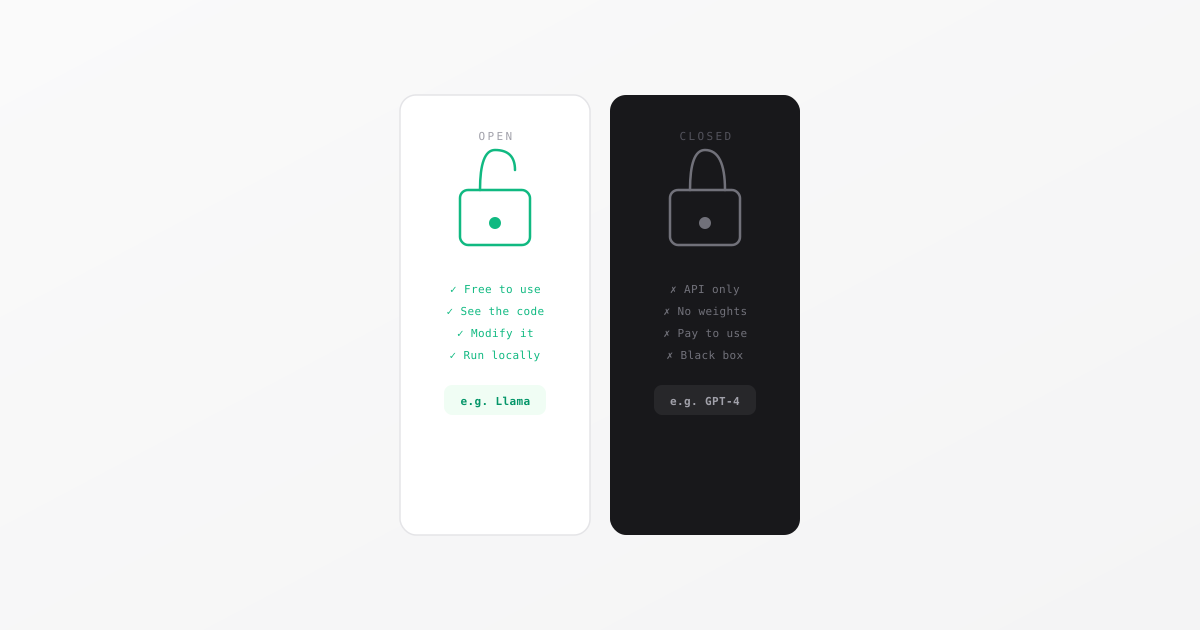
Closed source (ChatGPT, Claude, Gemini): The company builds the AI, keeps the code private, and you access it through their app or API. They control pricing, features, and what you're allowed to do with it.
Open source (Meta's Llama, Mistral, many others): The company releases the model's code and weights publicly. Anyone can download, run, or modify it — including you, for free, on your own computer.
Why Would a Company Release Their AI for Free?
This seems counterintuitive. Meta spent billions building Llama — why give it away?
The answer is strategy. Meta doesn't want to sell AI. Meta wants AI to be free so that no competitor can build a moat around it. If OpenAI's tools dominate AI, businesses might shift away from Meta's ad-supported platforms. If AI becomes a commodity that anyone can access for free, then what matters is who has the most users — and Meta has billions.
So Meta releases Llama to make AI cheap and widely available. It hurts OpenAI and benefits Meta. Clever, and genuinely useful for students and developers.
What Does This Mean If You Want to Build Something?
When you're working on a project or learning to build with AI, you'll face a choice:
Use a closed API (like OpenAI or Anthropic):
- Easy to set up — just sign up and get an API key
- Very capable, well-documented
- Costs money after the free tier (often a few cents per request)
- The company can change pricing or shut down access anytime
Use an open-source model (like Llama):
- Free to download and run
- Requires more setup — you need a computer powerful enough to run it
- Can be run privately (your data never leaves your machine)
- You're in full control
For most students starting out, closed APIs are the easier first step. As you get more comfortable, open-source models are worth exploring — especially if you want to build something without worrying about API costs.
The Honest Tradeoff
Open source sounds great, and it mostly is. But there are real tradeoffs:
- The most powerful models (GPT-4o, Claude) are still closed. Open models are catching up, but the gap exists.
- Running a large model locally requires serious hardware. Most laptops can't do it well.
- Open models require more configuration — there's no friendly interface out of the box.
For a class project or a portfolio piece, starting with a free tier of an API is completely fine. For a serious side project where you don't want ongoing costs or privacy concerns, it's worth learning how to run open models.
Both approaches are valid. Knowing the difference puts you ahead of most people in the room.